Categories
Games Programming Projects

splinter-keep: A Text RPG with a local LLM as Dungeon Master

splinter-keep — it calls itself “The Chaos” in-game — is a terminal RPG where an LLM runs the whole game: it narrates the scene, offers you choices, resolves whatever you type back, and rolls dice behind the scenes against a genuinely simple d6-based rules system. Every turn gets appended to a running story book, so by the time a campaign ends you’re left with something that actually reads like a book rather than a chat log.

The whole game loop lives in one terminal app — there’s no separate “DM” service and “player” client, just a TUI that calls the LLM directly for every scene and every outcome. The interesting constraint was making that work with a local model running on my own GPU instead of a hosted API. I went through a lot of different local models while building this, and every single one had its own quirks and failure modes: refusing to follow the output format, inventing rules, forgetting inventory, that sort of thing.

It only became reliably playable once I added real guardrails: a strict structured output format the LLM has to fill in every turn — choices, log line, state changes, as a JSON block — and a second, separate LLM call whose only job is to check whether the player’s action is even valid given the current character and world state, before the main narrative call runs at all. That second-opinion step mattered more than any single prompt tweak.

Even with all that, I’ll be honest: the actual writing quality of a small local model is nowhere near what you get from pointing the same code at a larger hosted model instead — the game supports both, swappable in config, and the difference in prose is obvious. But getting a local model to behave at all, reliably, turn after turn, was most of the fun here. Still a great experience playing around with LLMs either way.

Full architecture notes, the rules system, and the code for both the guardrails and the LLM strategies are in the splinter-keep repository.

Categories
Music Programming Projects

music-video-gen: I Let an AI Build My Music Visuals

Finishing a track isn’t the end of the job — most places to share music, YouTube included, want a video, not a bare audio file. music-video-gen is a small library of “generators”: self-contained pages with reactive visuals that get screen-recorded alongside a track to produce that video, one scene assembled per song as needed.

Five generators so far. party-stage is the most developed: a full virtual venue with a DJ, a dancing crowd, lasers, light bars, and a projection screen that runs one of several audio-reactive shader visualizers — Synthwave Run, Drugged Out Flow, Nebula, Floating Shapes — picked at runtime. party-cathedral swaps the modern club for a torch-lit medieval hall, with illustrated performers instead of a laser show. tv-player takes the opposite mood entirely, a quiet in-room scene built around an old TV and VCR, with small environmental touches like dust, flies, and a spider added recently for texture. magic-mirror rounds out the mid-sized scenes, and sparkles, the original and simplest of the set, is still there too.

The part actually worth writing about is how it got built: essentially the whole thing was written by an AI (Gemini) rather than by hand. Instead of one big scene file the AI would have to reason about — and risk breaking — on every change, each stage element (dancers, DJ, lasers, torches, camera, curtain) is its own small class behind a two-method interface, registered with a single manager. Visualizers work the same way, behind their own shader interface. That structure was chosen specifically so an AI could keep extending the project safely, one self-contained file at a time, without needing to hold the whole scene graph in its head.

Getting the music-reactive parts to actually feel right was the fiddliest bit. Beat detection went through several rewrites before settling on combining multiple detection approaches at once, plus a dedicated “blackout” effect to sell song drops. The newest work adds a visualizer picker and two new shader visualizers, and swaps pre-rendered video textures for a plain image slideshow.

These scenes have ended up in real music videos on my channel: party-cathedral’s torch-lit hall backs Flofleep, party-stage’s laser-lit DJ booth scores Ropot Gili, and tv-player’s dusty VCR room sets the mood for Mystery Tape. Full source for every generator, including the scene and shader code, is in the music-video-gen repository.

Categories
Games Open source Programming Projects

Moon Bus :: PICO-8 game

I couldn’t resist the temptation to get down to coding a game like it was the 1980s again: small screen, huge pixels, 8-bit values, limited resources, limited instruction set, lots of fun.

PICO-8 is a fantasy console that only ever existed as an emulator. But oh boy, what a fun and well executed concept. I bought the license (sic, this is not a free nor open source software) so that I could play it on my Anbernic RG35XX H emulator console. And it is an amazing experience, being able to play 8-bit retro games that are freshly released and wirelessly downloaded onto a handheld device.

Since PICO-8 provides an all-in-one environment for games development, I decided to give it a try. Enter Moon Bus. This is a simple ‘Lunar Lander’-like game, where you have to travel from station to station, landing several times in a row to carry passengers around a low-gravity planet. I had a lot of fun building this and subsequently playing this on my handheld.

You can find the game on the official PICO-8 site: Moon Bus at www.lexaloffle.com

I love that there are still options to get into simple programming, without any need for massive frameworks and libraries. It is a refreshing experience and it really reminds me of coding way back when you didn’t have that many options or expectations. You definitely don’t need a cluster of GPUs to compile shaders like with other current platforms.

Categories
Hardware Open source Programming

LilyBook – Tiny E-Ink Ebook Reader

As laid out in a previous post, I prepared an open source firmware for the ESP32 with e-ink display, LILYGO® TTGO T5 V2.4 and posted it on GitHub. See the git repository on how to build the source code.

Currently the firmware allows you to scroll through a whole book (in plain text format) that you can load from an SD card into the device’s flash memory. It also tells you your progress (how far in the book you’ve come).

But wait! There is not only the source code, I created a tightly fitting enclosure as well. You can fabricate it on your 3D printer. <STL to follow when I feel like it (-_-) >

Categories
Ideas Open source Programming Projects Technology

Idea: Tiny E-Ink Reader

I was shopping around on Aliexpress, looking at the current options for a small e-ink display. To find out if there was maybe something I could attach to the back of my future PinePhone. And then I discovered this:

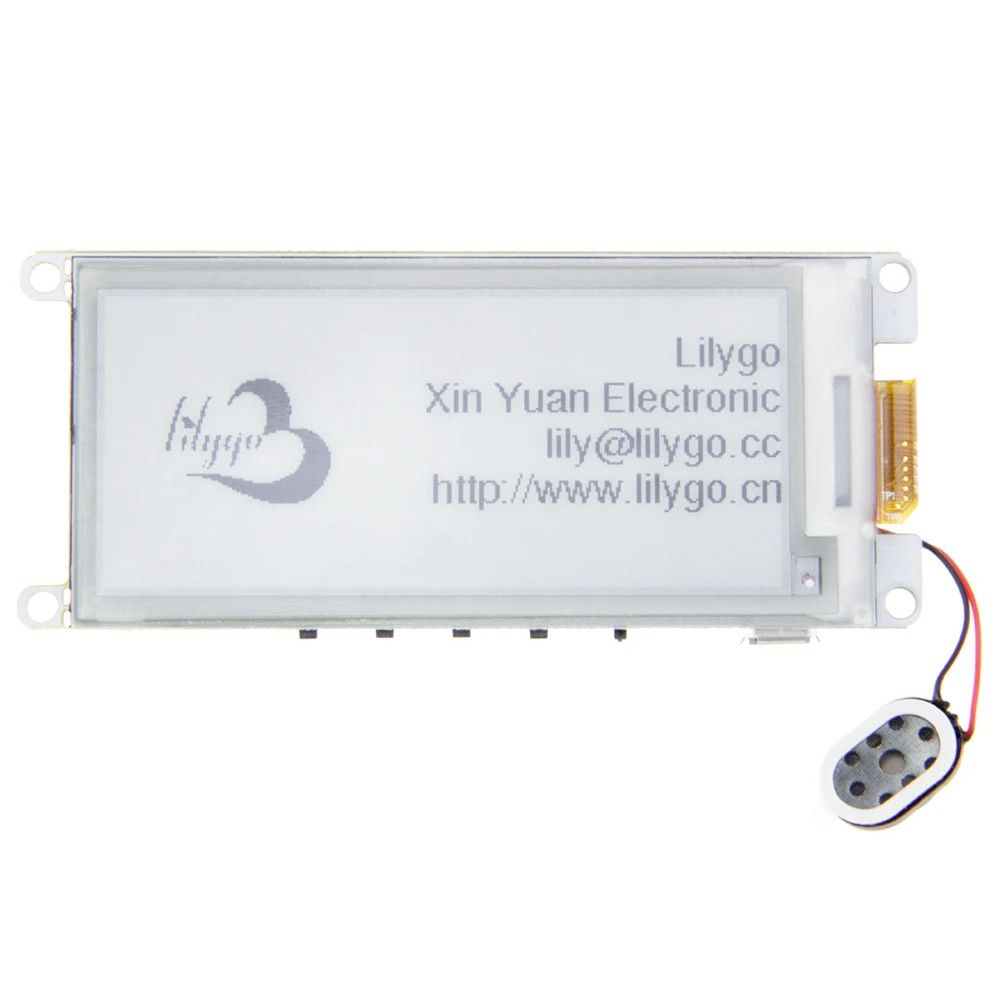
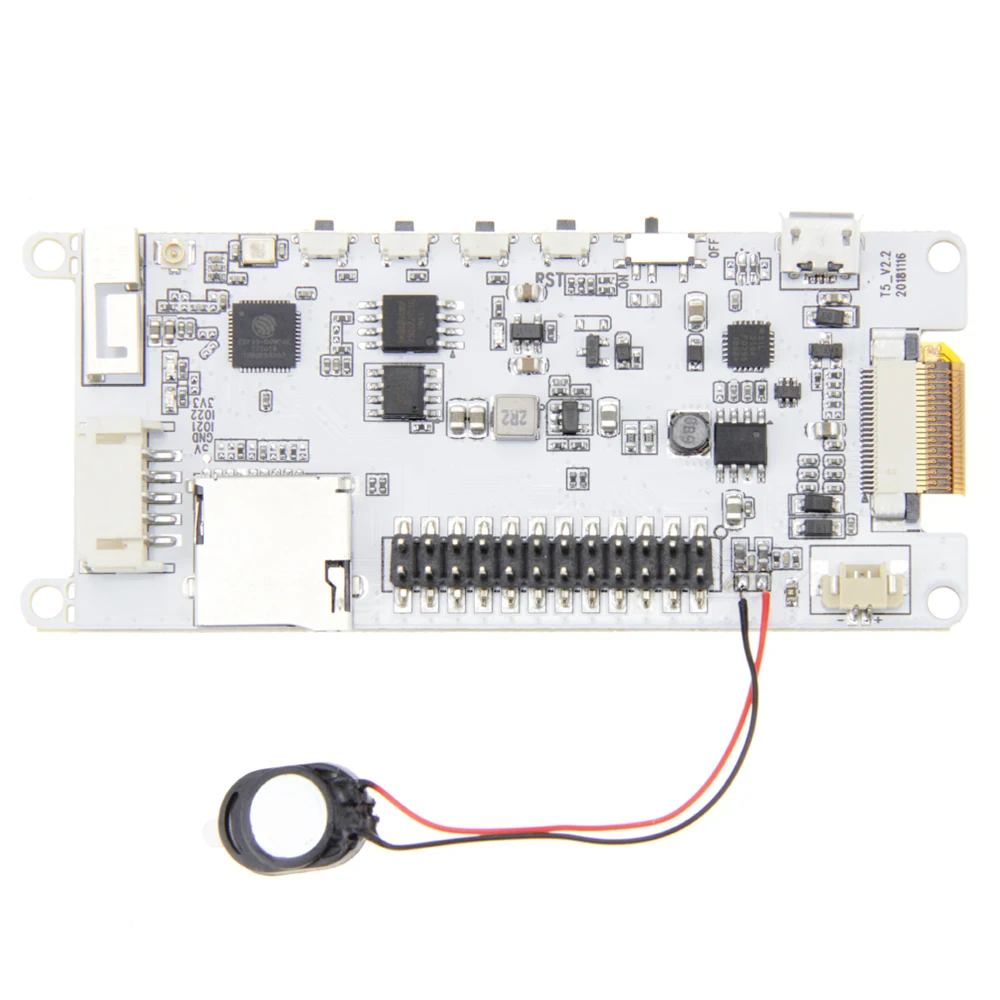
LILYGO® TTGO T5 V2.2 ESP32  2.9″ EPaper Plus Module E-Ink Speakers

H208-_07
H208-_06

It is an ESP32 SoC with a 2.9″ e-ink display, microSD card slot, speaker and 4 buttons, all on a single board. Ready to be programmed. There is even a GIT repository (not just one, but two!) for a ready-built firmware.

This gave me an idea — how about building a tiny low-power, WiFi/Bluetooth-enabled ebook reader? Sounds like a plan!

I ordered the “version 2.4” of the board, whatever that means: Aliexpress link

G702-C主图01
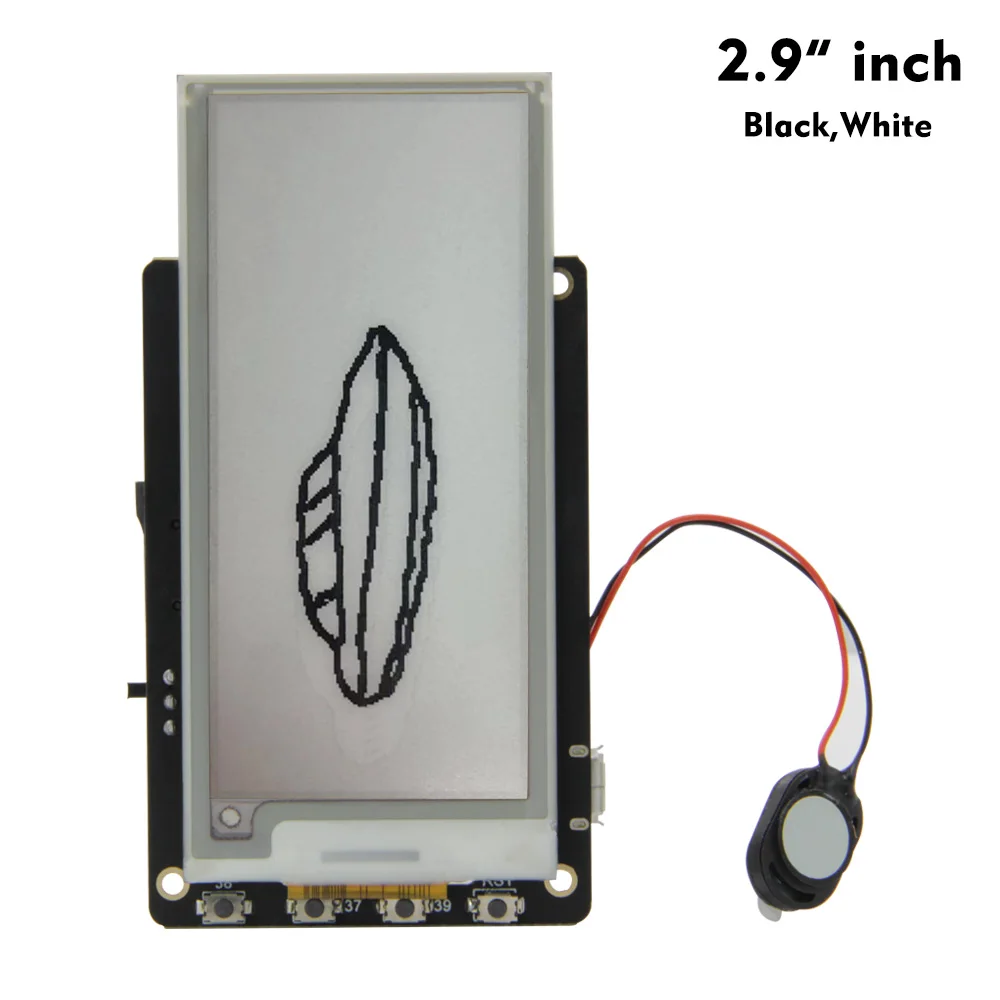
2.9″ black and white version

Originally I was considering getting the Black-White-Red version of the display, but then I found out that the red color takes ages (up to 8 seconds) to redraw, so I went for the regular e-ink display. Hopefully it comes soon!

Categories
Awesome Open source Programming Projects Technology

How to use an ESP8266 — a jumpstart tutorial

If you haven’t done so already, go buy yourself an ESP8266-based board. It is a powerful little microcontroller. Something like Arduino but with WiFi.

ESP8266 in the wild

What hardware to get

What software to get

  • ESP open SDK
    • Contains all the tools needed for compiling your own ESP firmware.
  • NodeMCU firmware
    • This converts the ESP to a LUA-powered computer.
  • ESPlorer
    • Very helpful serial terminal with direct ESP8266 and NodeMCU support

What to do with it all

  1. Find the pinout of your board. Get the connections ready (USB-UART + 3.3V power source + ESP8266)
    • 3.3V to VCC, GND to GND
    • RX to TX and TX to RX (ESP–UART).
    • CH_PD to VCC
    • Leave Reset floating, connect to GND to reset the chip when needed.
    • Pull the GPIO0 low for flashing.
  2. If you just want to get the ESP fired up, use the esptool.py and upload the precompiled NodeMCU bin images.
  3. If you want to play around some more, get the SDK and NodeMCU source code. Compile the former and then the latter. Flash our own bin images.
  4. Remove GPIO0 connection to leave the flashing mode.
  5. Open the ESPlorer and issue some commands to the chip!

Useful links

  • Dejvino’s NodeMCU firmware
    • Forked from the original NodeMCU firmware repository. Contains a new Sniffer module — packet sniffing functions exposed to the LUA interpreter. This allows WiFi packet sniffing using the ESP8266.
  • NodeMCU API
    • List of provided LUA functions in the NodeMCU firmware.
  • LUA language reference
    • Beware that not everything is supported in the ESP version of LUA.
Categories
Awesome Linux Open source Programming Projects Technology Web development

HTTP and HTTPS running on the same port

Running HTTP and HTTPS on the same port with Apache. They said it couldn’t be done. They were wrong!

https://github.com/Dejvino/https-multiplexer

I’ve modified a simple Python port forwarding utility to act as a port multiplexer that can automatically forward HTTP and HTTPS requests to the appropriate ports. If the request looks like an HTTP in plain text, it forwards it to port A. Otherwise it is assumed to be HTTPS and is forwarded to port B.

Now you can run your web applications from a single port, regardless of using HTTP or HTTPS. Hooray!

Categories
Awesome Programming Technology Web development

Peer to peer in JavaScript

I just came across PeerJS – Peer-to-peer JavaScript library. Great to see this kind of API available, hope  we will soon see some real-world applications.

Categories
Awesome Programming Technology

Project idea – Fixing the ISS

There is an interesting project for your next free weekend – fixing the ISS by inventing a solar panel positioning algorithm. Sounds fun!

http://hackaday.com/2013/01/19/write-code-fix-the-space-station-win-10000/

For more information: http://www.topcoder.com/iss/

Categories
Open source PicoPosts Programming Technology

Inferno vs. Java

An interesting read back from the year 1996 about Inferno vs. Java – http://doc.cat-v.org/inferno/historical_documents/website/infernojava

Infernos with its programming language (Limbo) seemed like such an awesome project. Why did it not take off and why do we use Java instead? I guess some concepts just come too soon, before it is their time to shine…